

Enable input in Settings → Voice and allow the speaking device to use its microphone. Voice settings and capture are not offered in the VS Code surface.
The release gesture is a choice
On a phone, hold the empty composer until recording starts. Release in the center to insert editable text, move to the left/cancel target to discard it, or move to the right/send target to recognize and send. Follow the highlighted target before lifting your finger. Assistant conversations use the same gesture when enabled.
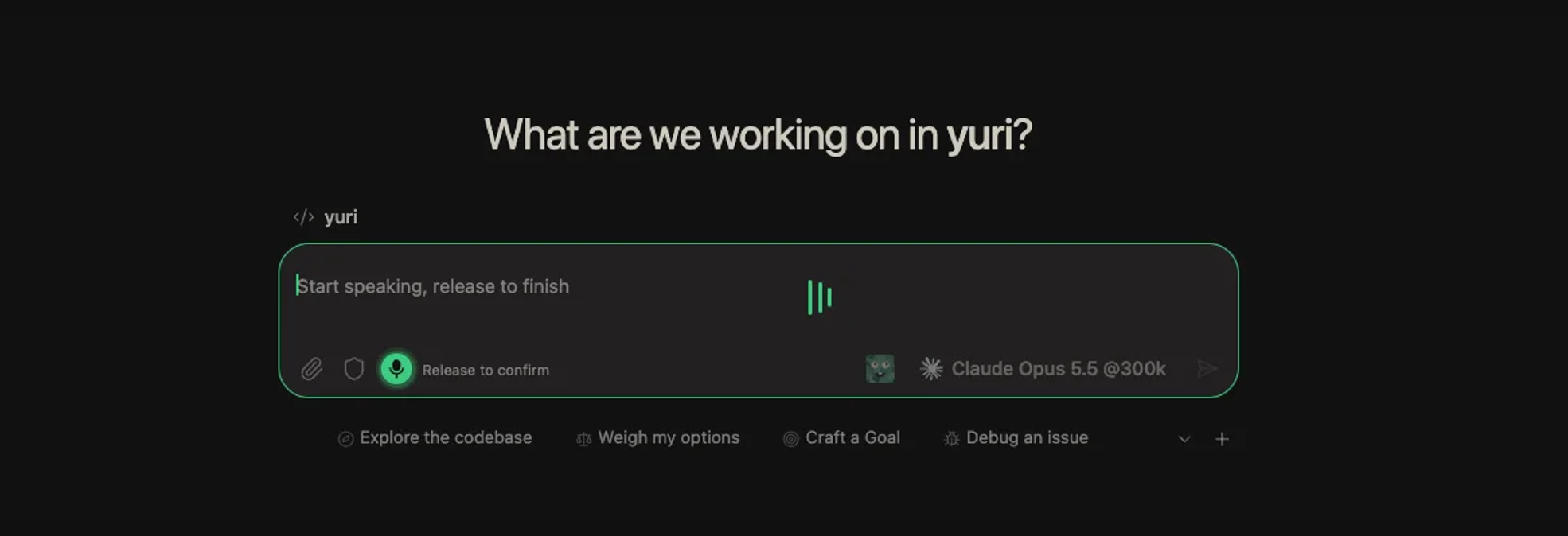
On desktop, hold the composer to record and release to finish. During recording, Enter finishes and Esc cancels. Check the transcript for names, paths and technical terms.
Recognition belongs to a configured service
| Choice | What to prepare |
|---|---|
| Local | A downloaded model on the Yuri host that supports the language. |
| OpenAI-compatible | The transcription URL, model and required credentials. |
| Volcengine / Doubao | Credentials and a streaming ASR resource; test with the microphone. |
“Local” refers to the host, not an offline model on the phone. A file-transcription test and a live microphone test exercise different paths.
Listening is configured separately
Choose a playback provider in the same settings page and use the message playback action. Conversation auto-read is another option where offered. If capture fails before any transcript appears, check the microphone and secure browser context first; if capture works but recognition fails, check the selected host's service configuration.