

 One mind, many hands.
Connect to a remote Yuri from your computer, phone, or browser to start tasks, check progress, and continue sessions.
0.1.2 · All platforms
Desktop / iOS / Android / Web / VS Code
Scroll down
Connections
The same tasks. Across your devices.
Tasks run on the connected computer. Each client works with the same sessions.
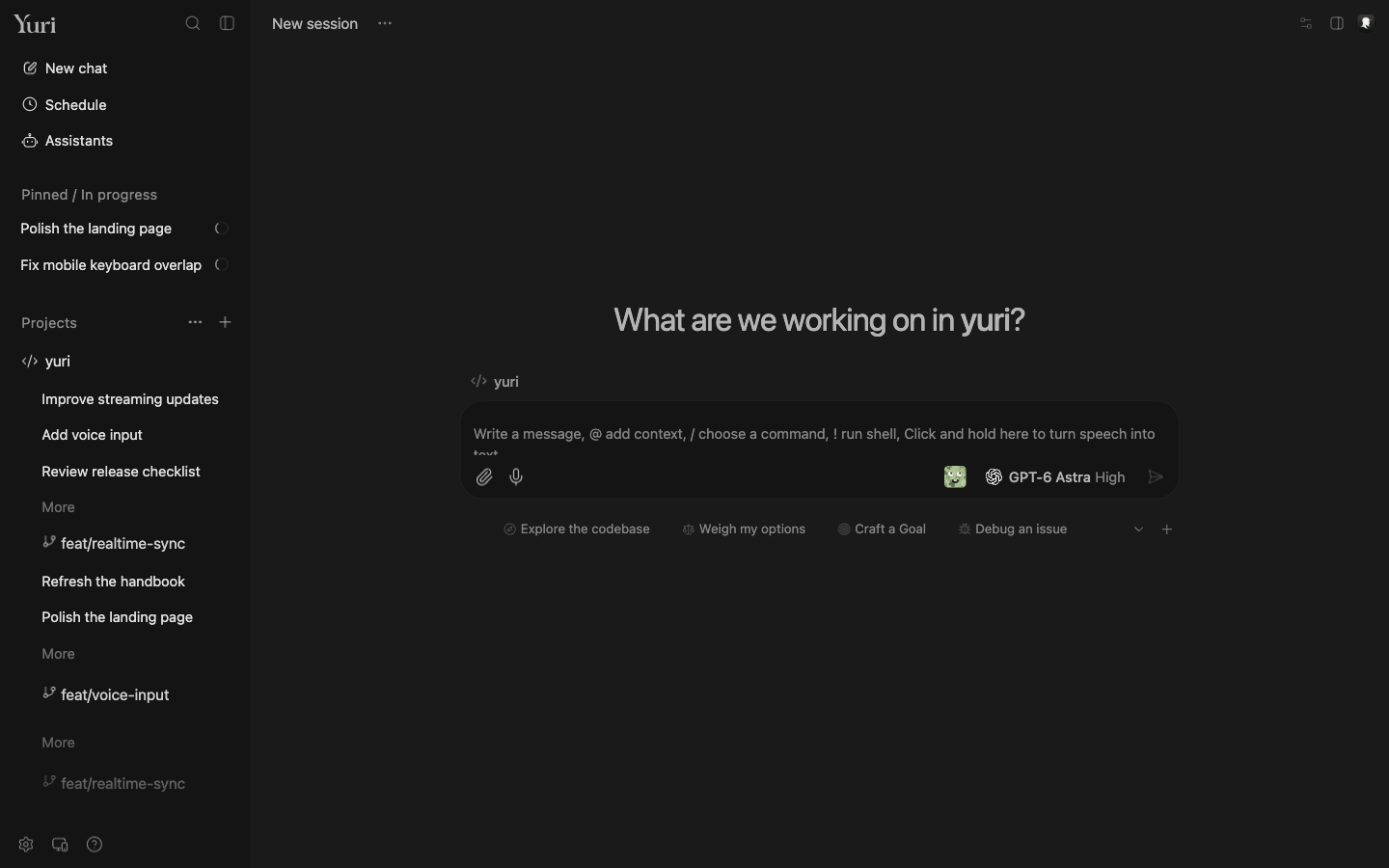


Choose a connection
Connect over the local network and scan a code to pair your device.
Use an end-to-end encrypted relay. Revoke access for individual devices.
Connect the desktop app to Yuri on another computer over SSH.
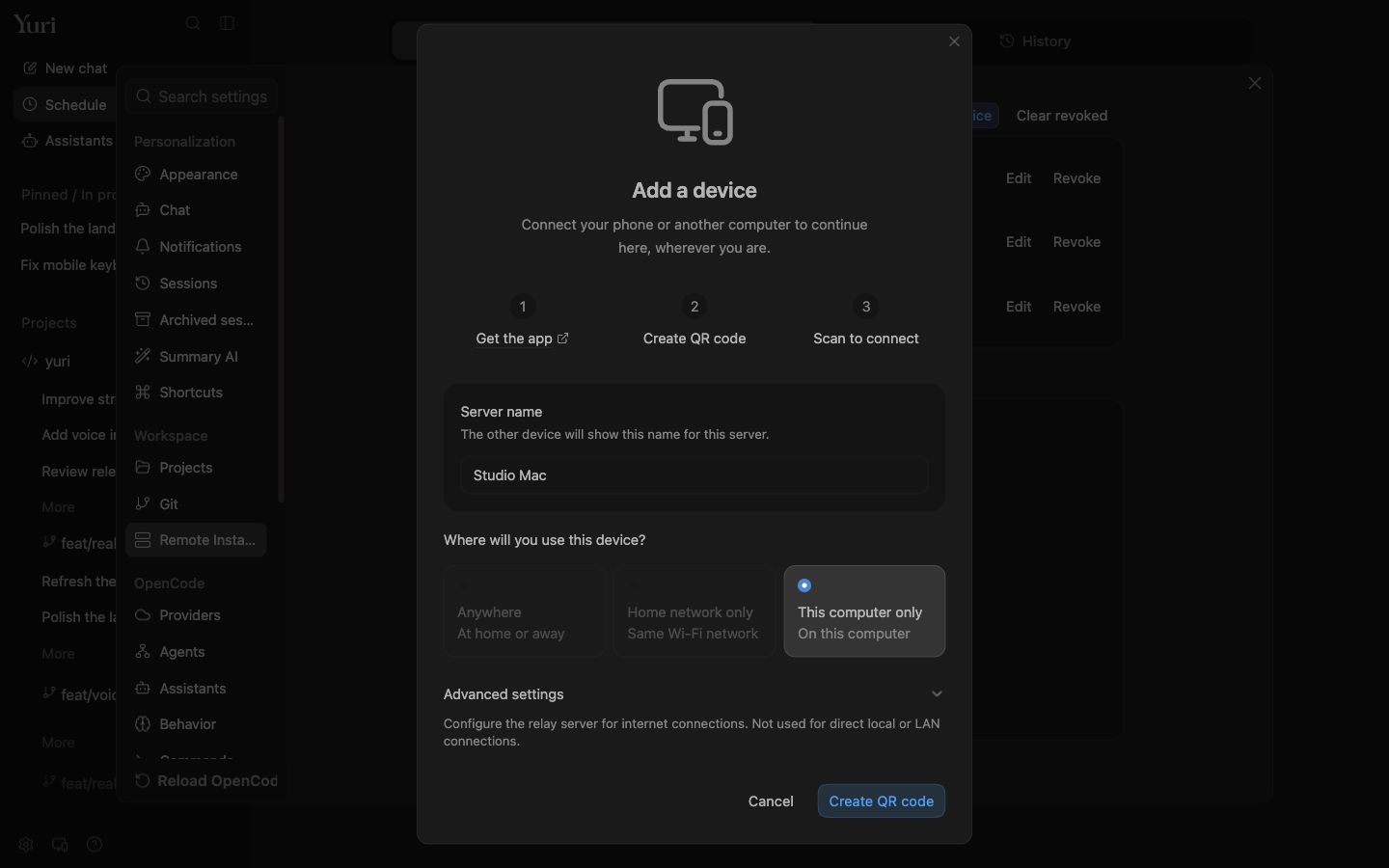
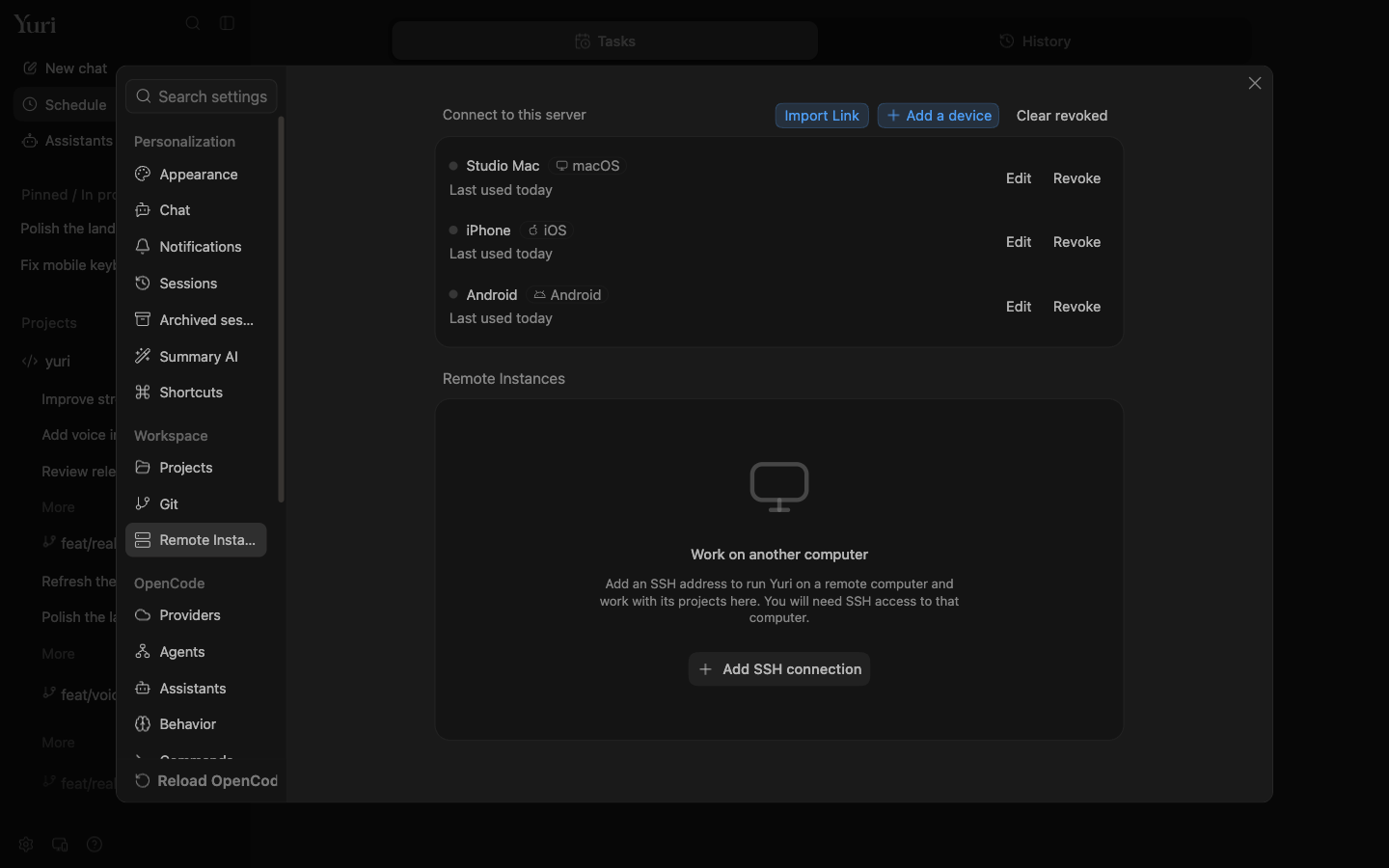
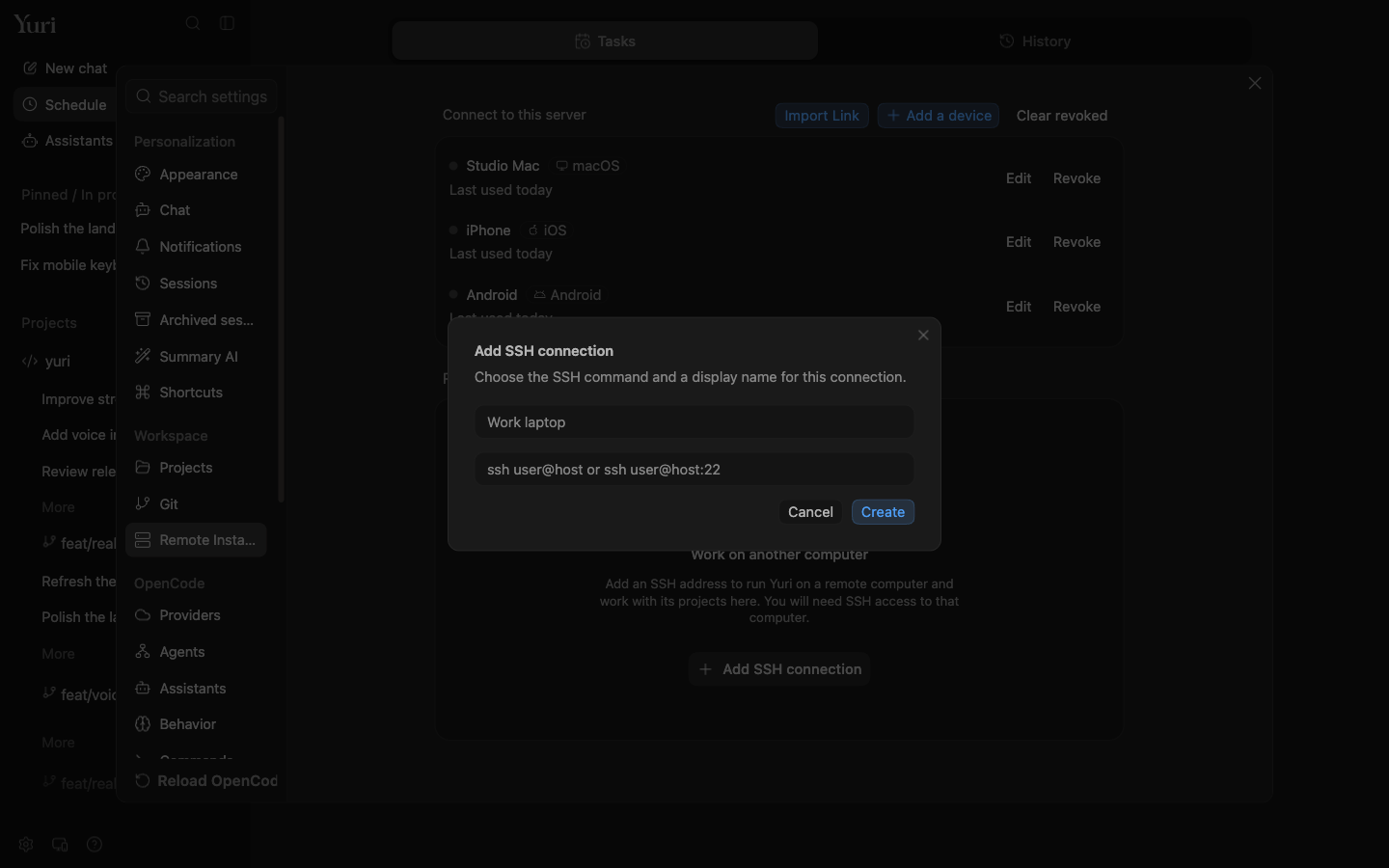
Operate Yuri sessions and tasks, not a remote desktop. Your phone is a client; tasks still run on the connected computer.

Assistants
Talk to an assistant. Like a contact.
Assistants support memory, schedules, and session delegation, with results returned in chat.

Delegate tasks to separate sessions, with worktrees to isolate parallel work.
Assistants retain memory and support history search. Results return to the conversation.
Mobile
Continue your computer’s tasks on your phone.
Touch controls, voice input, and native system integrations.


Choose an assistant to continue chatting and review delegated tasks and results.
Pin or archive with one swipe.
Slide right to send, left to cancel.
Check, pause, and edit scheduled tasks from your phone.
Native integrations: iOS Live Activities and widgets; system sharing on iOS and Android.

Voice
Hold the message box. Talk. Release.
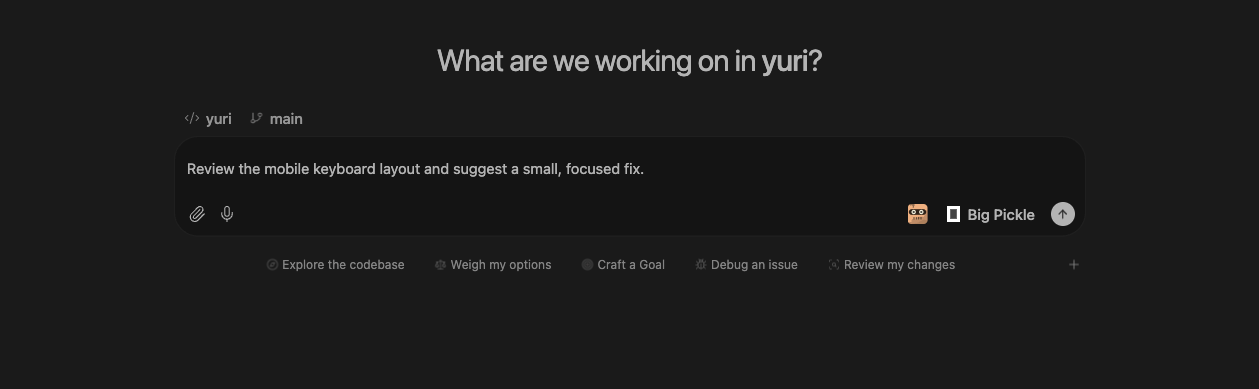
On desktop, hold the empty message box, talk, and let go. It’s text.
Preferences
Built-in themes and custom colors.
31 built-in themes, light and dark picked separately, or drop in your own JSON.
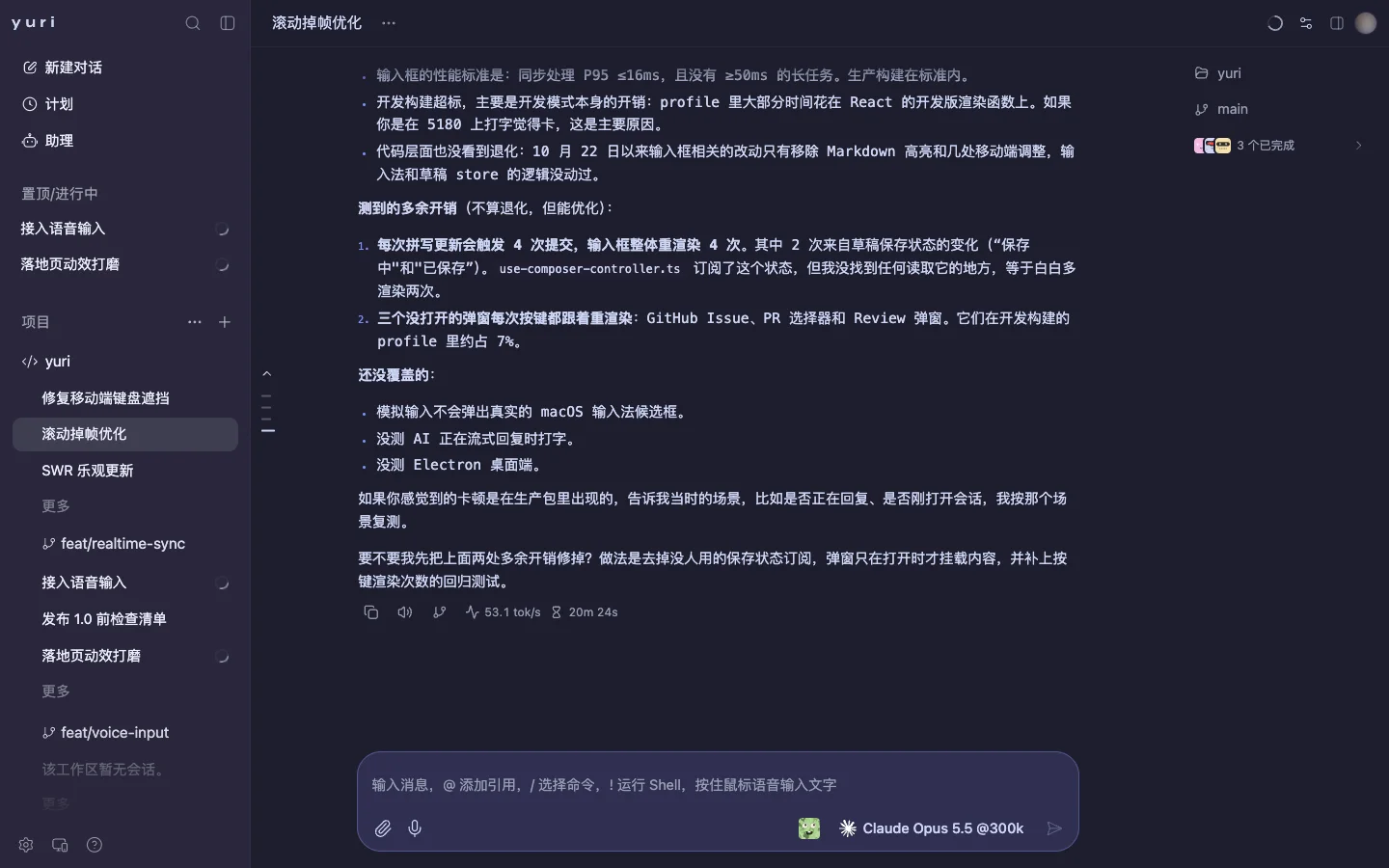
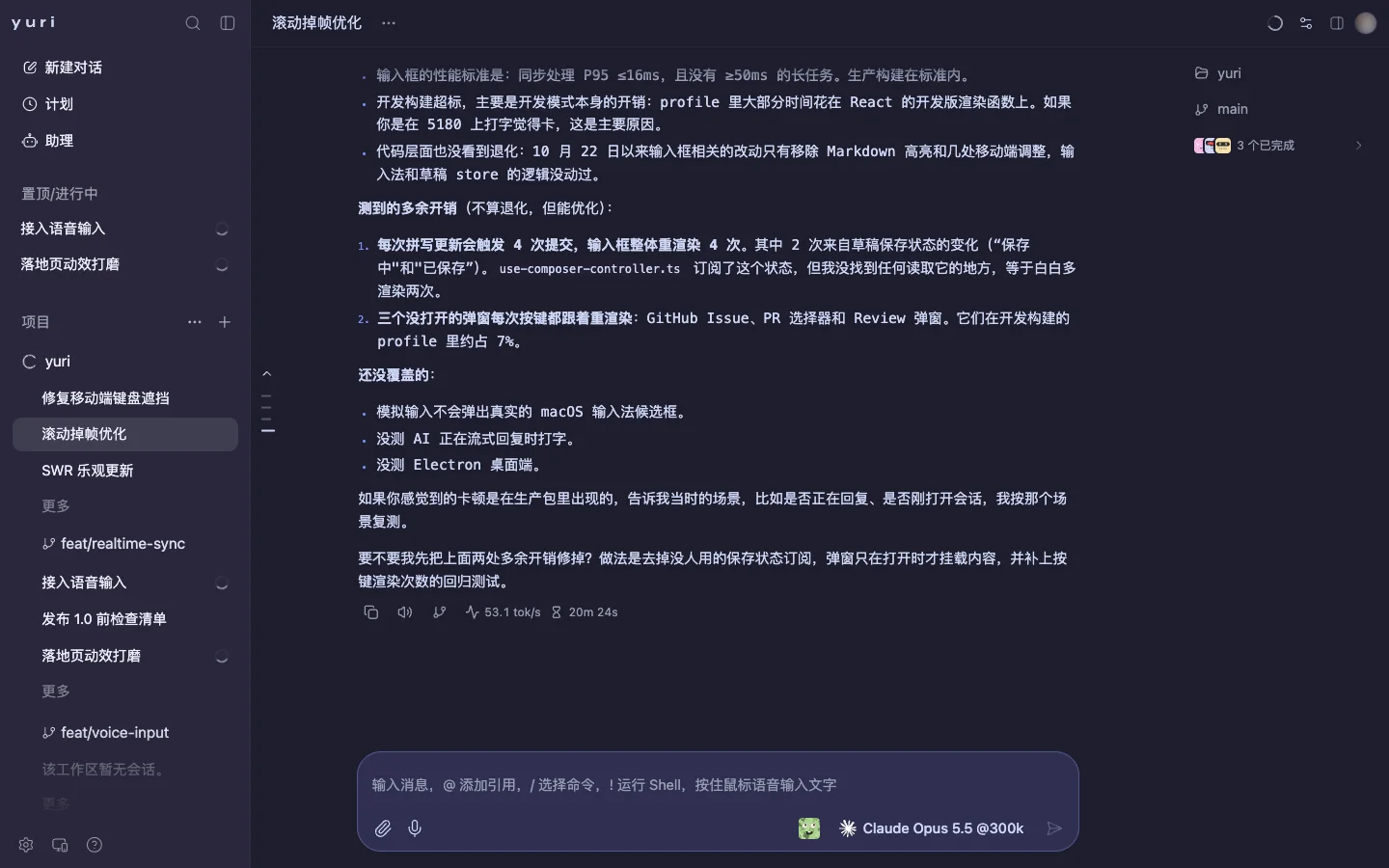
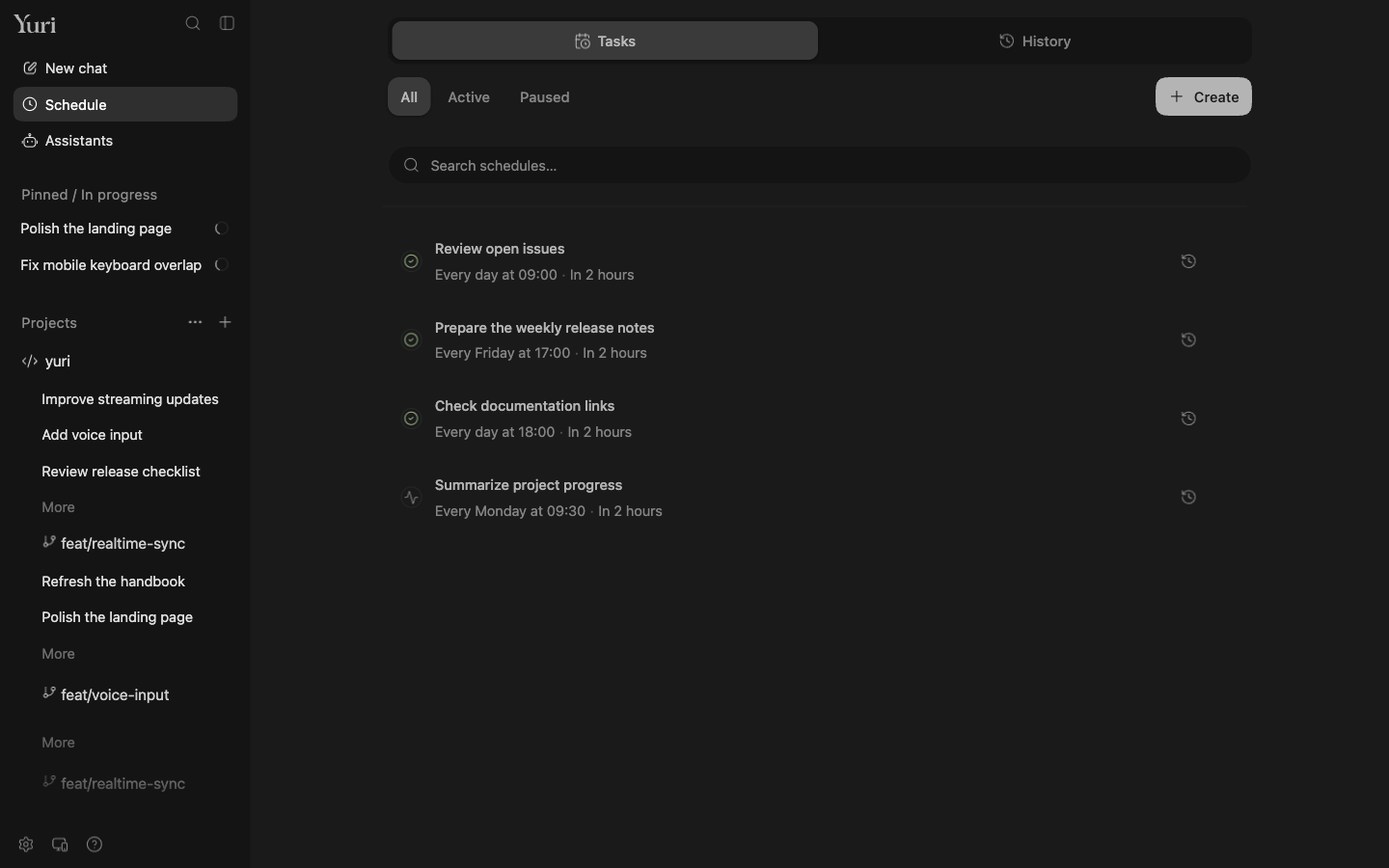
Or let tasks run on a schedule.
Manage schedules and run history. The Yuri server must be online when a task is due.

Use Yuri on your device.
Current installers: 0.1.2
The macOS installer requires Apple Silicon. Choose manually if your architecture is unknown. Mobile apps connect to a Yuri server.
This release has no installers yet. Check the release history.
All releases ↗Run from source ↗